App Logo Maker
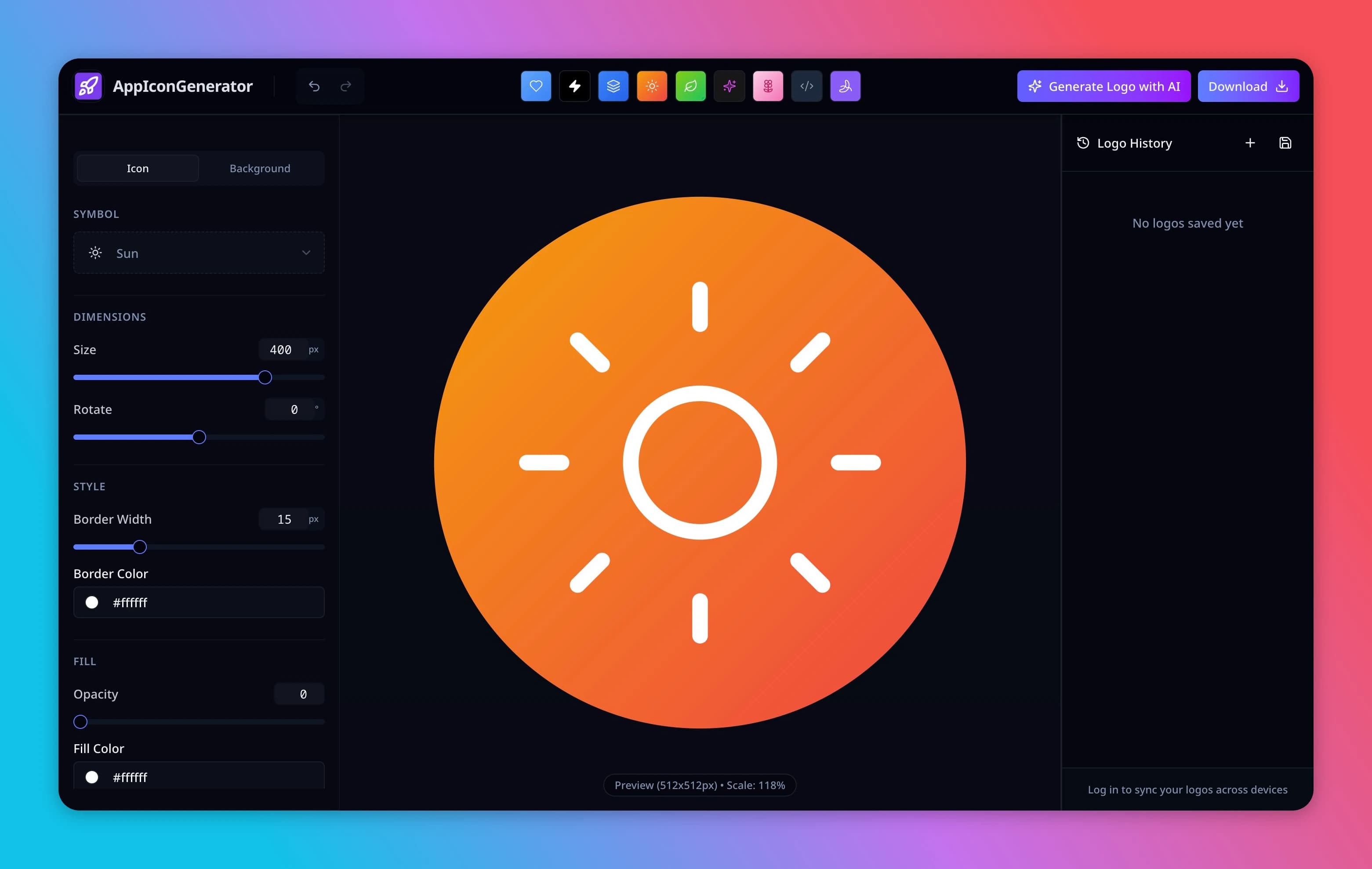
Choose a symbol and adjust the design in the visual editor. For another direction, open AI Logo Studio and review its credit cost before generating.

Preview (512x512px) • Scale: 100%
Enjoying the tool?
Support ongoing development after you export your icons.
- 100% browser-side processing, nothing is uploaded.
- One click export for iOS, Android, Chrome and more.
Every coffee keeps AppIconGenerator fast, private, and free.
Turn your logo into app icon resources
Download the chosen design, then upload it to App Icon Maker for iOS asset catalogs and Android launcher resources. Inspect the masks and test the files in your project.
Tools for your next design decision
Compare initials, an emblem or readable lettering; choose a name before requesting an AI wordmark.
Why Use Our App Logo Maker?
Visual editing: choose a symbol and preview changes to the composition.
Free local export: edit and download locally. Optional AI generation uses the credits shown before confirmation.
Adjustable design: choose a symbol, colors, background, border and shadow, then inspect the exported result.
Processing: editing and previews run in your browser. Signed-in saved designs use server storage. AI sends the brief and approved references to a provider.
How to Create an App Logo
Choose, adjust and inspect the download
1
Step 1: Choose an Icon
Choose a library symbol that represents your app and still reads at a small size.
2
Step 2: Customize Style
Adjust colors, background, borders, and shadows to create a unique look.
3
Step 3: Download
Download PNG or SVG for the current design. A raster image embedded in SVG does not become editable vector artwork.
App Logo Maker FAQs
Cost, files and permissions
Can I use the logo for commercial apps?
Check the permissions and licenses for the symbols and uploaded artwork you use. For AI output, review the provider terms separately.
Do I need to pay for high resolution?
Local PNG export is free. AI creation is a separate credit-based task; check its displayed cost before confirming.
From an app logo to a usable icon
Customize the symbol and background
Choose a symbol, adjust its scale and rotation, then change the fill, border and background. Compare a light and dark background before downloading.
Check readability before adding detail
An app logo creator should help you make a clear mark, not just a large image. Keep one focal point, leave room around it and inspect the design at small sizes. Try a new AI direction if the symbol does not fit your app.
Choose the right export
Use PNG for a raster source and SVG for editable vector artwork from the local editor. A logo file is not an app asset catalog: continue to Maker to create platform folders and inspect the files in your project.
Inspect example project exports
Download the example projects to inspect the folder structure and integration steps. These are demonstration files, not your current design.
AI creation uses credits. Review the displayed cost before generating; resizing and platform export are free.
Review covers the page’s guidance and stated tool capabilities. Test exported files in your project before publishing.