How to Create a Logo with AI: Write a Brief, Compare and Refine
Create a logo with AI using a clear brief, appropriate style and cost review. Compare real results, inspect lettering and prepare useful files.
To create a logo with AI, give the model a concrete design brief and compare the result with the job your mark needs to do. A long list of visual adjectives is less useful than a clear subject, intended audience and practical output requirement.
The AI Logo Generator supports a text brief and an optional approved reference image. You can prepare your direction before signing in, then review the credit cost before confirming a generation.
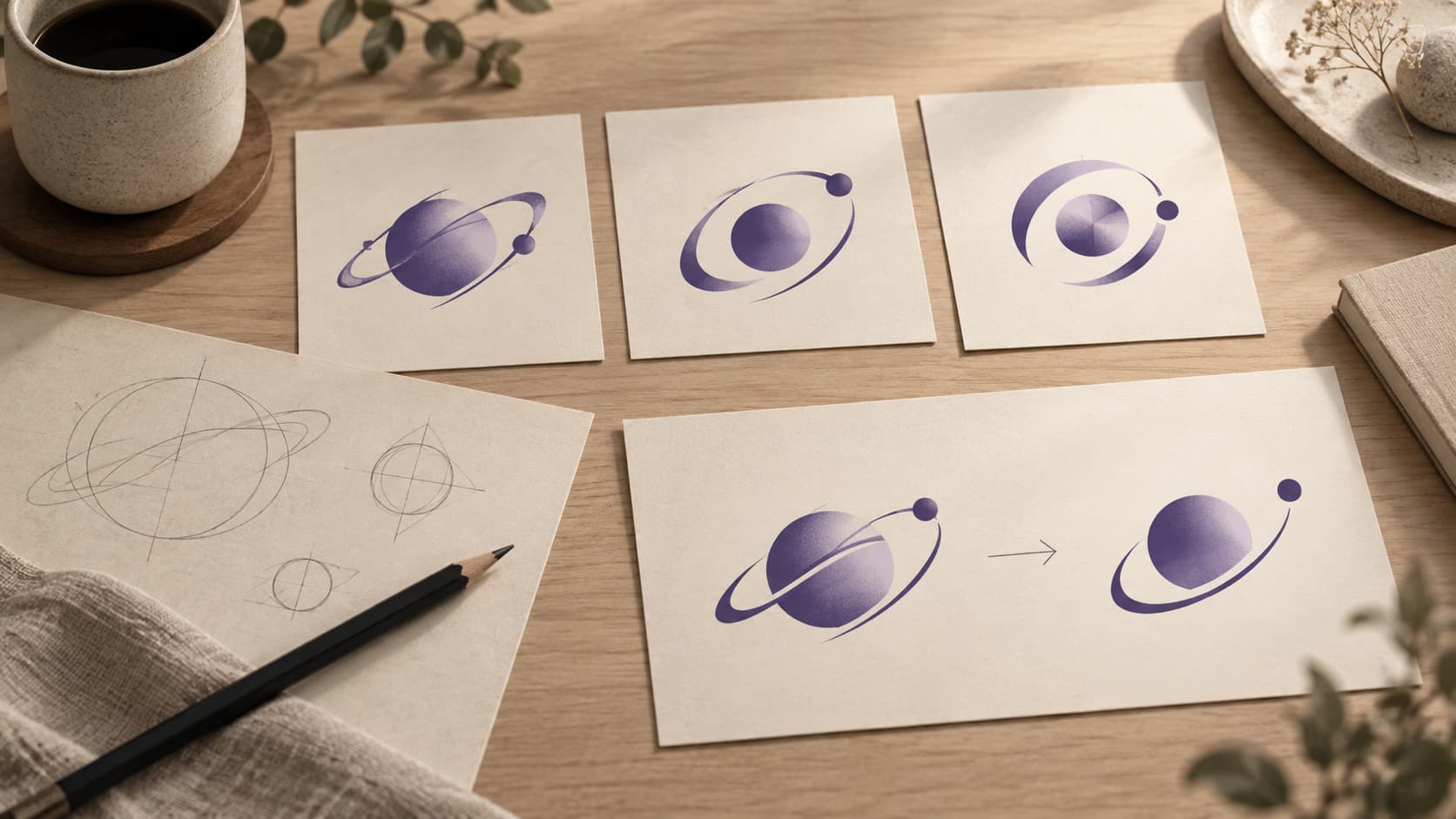
Illustration: an original generated design study, not a screenshot, customer result or record of this tool’s output.
Decide where the logo will be used
An app icon, a channel avatar and a wordmark have different constraints. Write down the smallest likely display size, background and whether the full name needs to appear. A compact symbol may work in a launcher while a readable wordmark belongs on a website header.
If you still need a name, use the business name and logo workflow to compare candidates before requesting lettering. Naming and image creation are separate tasks with separate costs. Check a name’s availability and meaning before making it central to the design.
Write a brief with specific decisions
A useful brief contains the product or business, the audience, a focal idea, a visual direction and any required text. For example, a fictional offline notes product could ask for a compact orbital symbol in violet, with clear open space and no presentation mockup.
Treat that as an editorial example, not a tested AI result. Adapt the subject to your own product rather than copying another company’s symbol. Avoid putting confidential business details into a prompt unless you intend to share them with the provider.
Start with fewer visual decisions. “One symbol, a plain background and high small-size readability” is easier to review than a request containing several competing scenes, materials and slogans.
Choose a style for the task
The studio includes general styles and focused presets. Monogram and Wordmark require a brand name; their output needs to be compared with the actual initials or spelling. Emblem can explore a contained badge. Mascot explores character directions rather than a complete typography system.
The 3D logo page explains material and lighting briefs. A 3D-looking result is still a raster image, not a mesh. For a channel project, the YouTube workflow helps inspect the round crop and small display.
Keep the style choice subordinate to the use. If texture makes a symbol unreadable at 32 pixels, simplify it even if the large image looks attractive.
Confirm the actual cost before generating
Select output quality and the number of directions. Review the credit charge on the confirmation step. Changing the settings can change the quote, and an older unsubmitted quote can expire when prices change.
Accepted tasks continue in the background. Return to your private creations to inspect completion and results. Failed images release eligible reserved credits; their original grant expiry still matters. Do not assume every interrupted browser response means the server rejected the task—recover the accepted task before submitting another request.
Compare results with a short checklist
Examine the shape, spacing and lettering first. Then compare the mark at small sizes and on the intended backgrounds. Ask whether you can explain what the mark is and whether it still works without the surrounding presentation.
Choose one candidate before refining. Request a specific change such as more open counters, less texture or a simpler silhouette. “Make it better” does not tell the model what you intend to preserve.
The studio’s result is a PNG. Download the original and check it, rather than using a screenshot of a result card. The editor can help with composition, but it cannot turn a flattened generated image into a fully separated vector logo automatically.
Prepare files for the next use
For an application, transfer the chosen result to App Icon Maker, inspect the platform masks and export the resources. For a video project, use the animation workflow and inspect the complete generated clip for changes to lettering.
Keep a source copy and a record of the direction you selected. A model result is a design candidate; platform integration and any trademark checks remain separate parts of using it.
Questions about making a logo with AI
Can I use a reference image?
Yes, when you have permission to use it and agree to send it to the provider. A reference is guidance, not a guarantee that every detail will be reproduced.
Should I request the full business name inside a small app icon?
Only if it remains readable. Try the smallest display first. A short mark and a separate wordmark can be more practical than fitting all text into one square.
Is browsing examples a paid generation?
No. Preparing a prompt and browsing directions do not create a generation task. The confirmation step shows the cost of the task you choose.
Finish with a deliberate choice
Write a clear brief, review the cost, compare the real result and refine a specific weakness. Use the next tool for the actual destination instead of judging the design only at its largest size.
Author

Categories
More Posts
Personal Branding for Developers: Make Your Work Easy to Recognize
Build a developer identity around real work, a clear audience and consistent visual assets, with a practical name, logo and profile checklist.
What Is a Monogram? Choose Initials and Make a Useful Small Logo
Understand monograms, choose initials, compare spacing and small-size readability, and create a local logo or an AI design candidate.
AI App Icon Export: Check the Source and ZIP
Move an AI logo into App Icon Maker, inspect its small-size readability and platform masks, and export the resources for your project.
Newsletter
Stay Updated
Get the latest app design tips and icon trends delivered to your inbox.