iOS vs Android App Icons: Source Art, Masks, and Export Files
Compare iOS and Android app icon requirements, including source artwork, system masks, adaptive layers, asset folders, and store images.
Verification scope: platform sources and export structure were first checked on September 20, 2026. Complete iOS/Android project builds passed on October 1. Installation, launch and icon display were checked in isolated iPhone 17/iOS 26.5 and Android API 36 simulators on October 2. This does not establish physical-device behavior or store acceptance.
An iOS app icon and an Android launcher icon can share the same core symbol, but they are not the same technical asset. iOS can derive icon variations from a single high-resolution image in an asset catalog. Android adaptive icons separate the foreground and background so a launcher can apply different masks and visual effects.
This guide compares those responsibilities without duplicating every number in the app icon size guide.
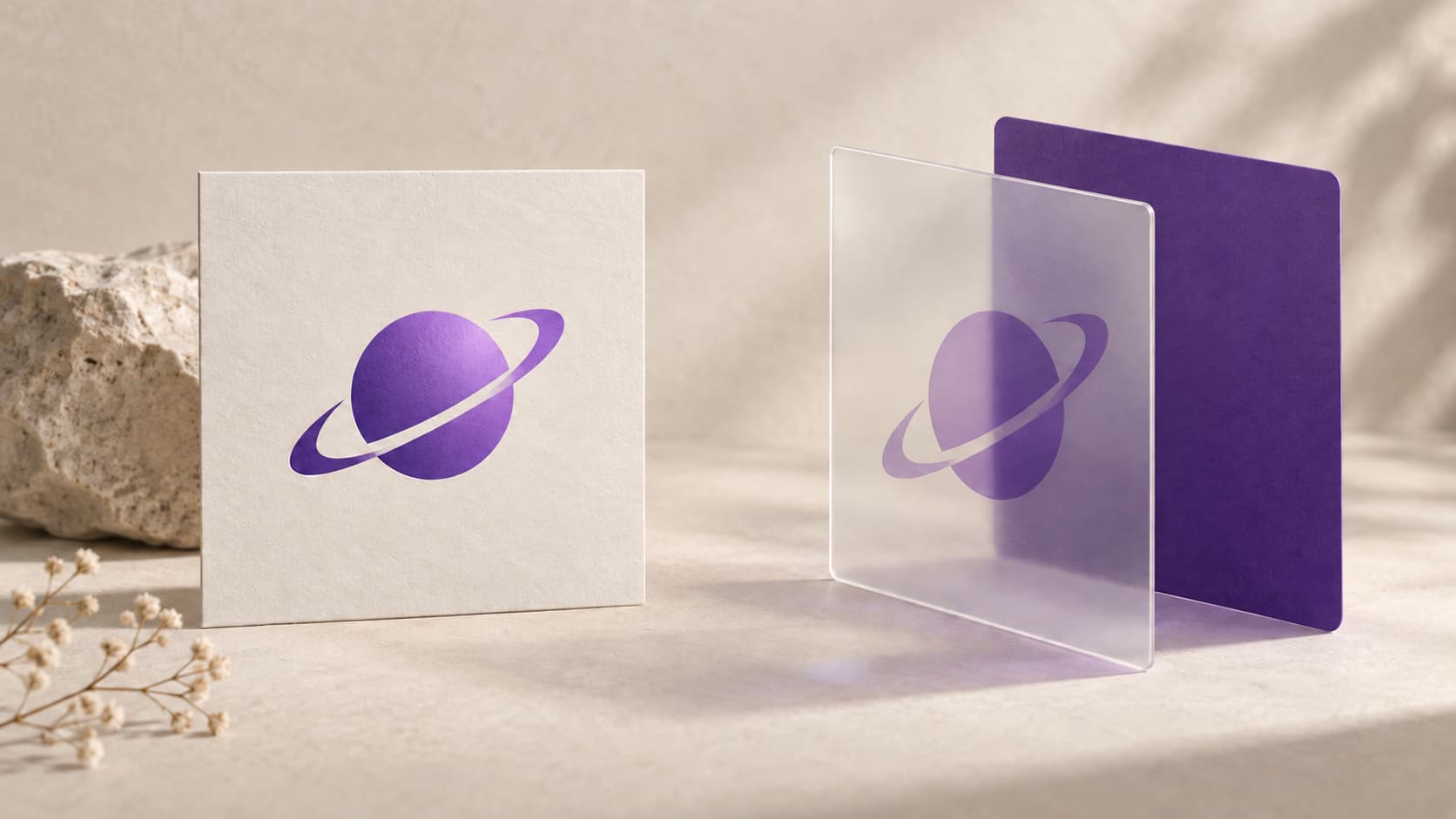
Illustration: an original generated concept, not a screenshot, customer result or platform validation record.
Start with one recognizable source design
For both platforms, begin with a simple symbol that remains recognizable when reduced. Keep a clean master copy before adding any platform-specific treatment.
The shared part is the visual identity:
- one focal symbol or short monogram;
- enough contrast between the symbol and its background;
- spacing around the symbol so a system mask does not crowd it;
- no tiny details that disappear at home-screen size.
The platform-specific part begins when you prepare the source artwork and package the files.
iOS uses an asset catalog and applies the icon shape
Apple documents a single 1024 × 1024 image workflow for iOS and iPadOS app icon variations. Xcode stores the icon in an asset catalog, usually an AppIcon set, and applies the system presentation. Do not bake rounded corners into the source image.
The current AppIconGenerator iOS export produces this tested structure:
iOS/
├── AppIcon.appiconset/
│   ├── AppIcon-1024.png
│   └── Contents.json
├── AdditionalSizes/
│   └── ...optional PNG sizes
└── README.txt
Contents.json declares the 1024 image as a universal iOS asset. The additional PNGs are separate files for projects that still need them; they are not substituted for the universal asset-catalog entry.
This export does not create dark or tinted appearances. Apple also documents newer Icon Composer workflows and additional appearances, so verify the current target and Xcode version before treating a generated folder as submission-ready.
Use the iOS app icon generator to preview the iOS mask and create the local asset folder.
Android adaptive icons keep foreground and background separate
Android's adaptive icon guidance uses a foreground layer and a background layer inside a 108 × 108 dp canvas. The centered 66 × 66 dp region is the safe zone that is not clipped by an OEM mask. The outer area gives launchers room for masks and motion effects.
That changes how you should prepare the artwork:
- use a transparent foreground for the symbol when possible;
- let the background layer fill its canvas;
- keep the main symbol inside the safe-zone preview;
- inspect more than one mask shape instead of optimizing for a single rounded square.
The current adaptive export produces density-specific legacy and adaptive PNGs plus XML references for Android 8.0 and later:
Android/
├── res/
│   ├── mipmap-mdpi/
│   ├── mipmap-hdpi/
│   ├── mipmap-xhdpi/
│   ├── mipmap-xxhdpi/
│   ├── mipmap-xxxhdpi/
│   └── mipmap-anydpi-v26/
│       ├── ic_launcher.xml
│       └── ic_launcher_round.xml
├── play_store_512.png
└── README.txt
Each density folder includes ic_launcher.png and ic_launcher_round.png. Adaptive mode also includes ic_launcher_foreground.png and ic_launcher_background.png. The XML files point to those two layers.
Use the Android icon maker to inspect the safe zone, foreground scale, and launcher masks before exporting.
The Google Play image is not the launcher resource
The store listing image and the launcher resources solve different jobs. Google Play currently specifies a 512 × 512, 32-bit PNG in sRGB with a maximum file size of 1024 KB. Google Play applies the store mask and shadow dynamically, so the upload should remain a full square without an added outer shadow or rounded-corner mask.
The generator places that file at Android/play_store_512.png. It does not replace the files under Android/res/, and a successful browser export does not guarantee Play Console acceptance.
What can remain shared, and what must change?
| Decision | iOS | Android |
|---|---|---|
| Core brand symbol | Can be shared | Can be shared |
| Source background | Opaque, full-bleed image | Separate adaptive background layer |
| Main symbol | Part of the square source image | Prefer a transparent foreground layer |
| Shape preview | Check the iOS system mask | Check several launcher masks |
| Package | AppIcon.appiconset and Contents.json | res/mipmap-* PNGs and adaptive XML |
| Store image | Asset-catalog App Store image | Separate 512 px Google Play image |
The practical workflow is to finalize one core mark, prepare platform-specific source treatment, preview each platform, and then export both packages from the app icon maker.
Pre-export checklist
- Preview the symbol at home-screen size, not only at 1024 px.
- Leave iOS corner masking to the system.
- Keep the Android focal symbol within the adaptive safe zone.
- Treat the Google Play image as a separate store asset.
- Inspect generated filenames and references before replacing project resources.
- Build the target project and check a simulator or device before shipping.
Installed simulator example
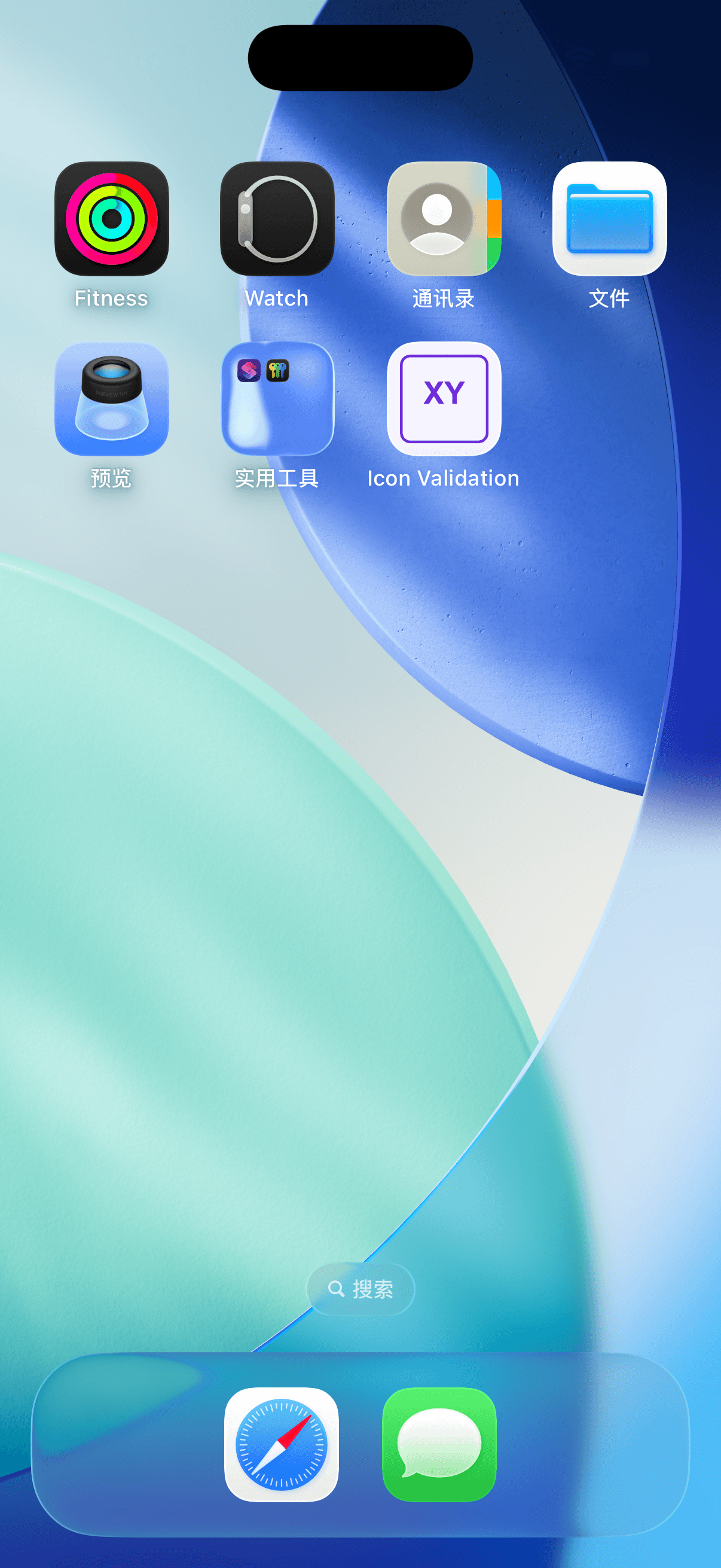
On October 2, 2026, the exported icon was installed in an isolated iPhone 17 simulator running iOS 26.5. The application launched and its original XY icon appeared on the home screen. This verifies that fixture and runtime, not a physical device or App Store acceptance.
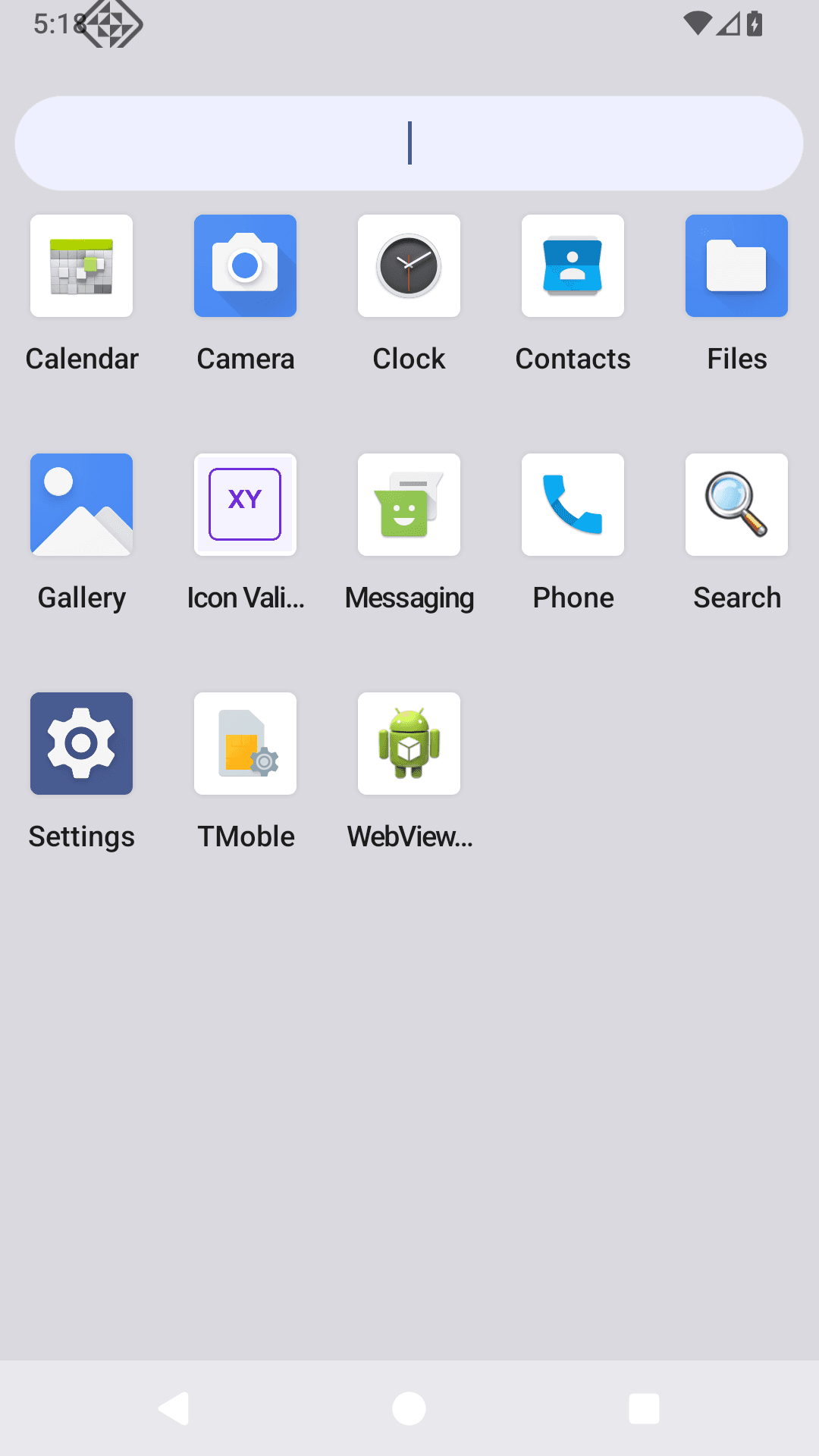
On October 2, 2026, the exported resources were installed in an isolated Android API 36 simulator. The application launched and the XY icon appeared in the app drawer. This checks that launcher and build; other masks and devices need separate checks.
Frequently asked questions
Can iOS and Android use the same source image?
They can share a core design. In practice, keep an opaque square version for iOS and a transparent foreground plus separate background for Android adaptive icons. Export each to its own platform structure.
Should I add rounded corners to the artwork?
No. iOS and Android launchers apply their own masks, and Google Play also applies its store presentation. A baked-in outer mask can produce double corners or unwanted padding.
Can the Google Play image be used directly as the adaptive foreground?
Usually not. The Play image is a complete square store asset. An adaptive foreground should contain the focal symbol with transparency and safe-zone spacing, while its background is supplied separately.
Sources checked
- Apple: Configuring your app icon using an asset catalog
- Apple: Creating your app icon using Icon Composer
- Android Developers: Adaptive icons
- Android Developers: Google Play icon design specifications
Source access date: September 20, 2026. Local export structure: src/lib/icon-forge/zip.ts, covered by src/lib/icon-forge/zip.test.ts.
Author

Categories
More Posts
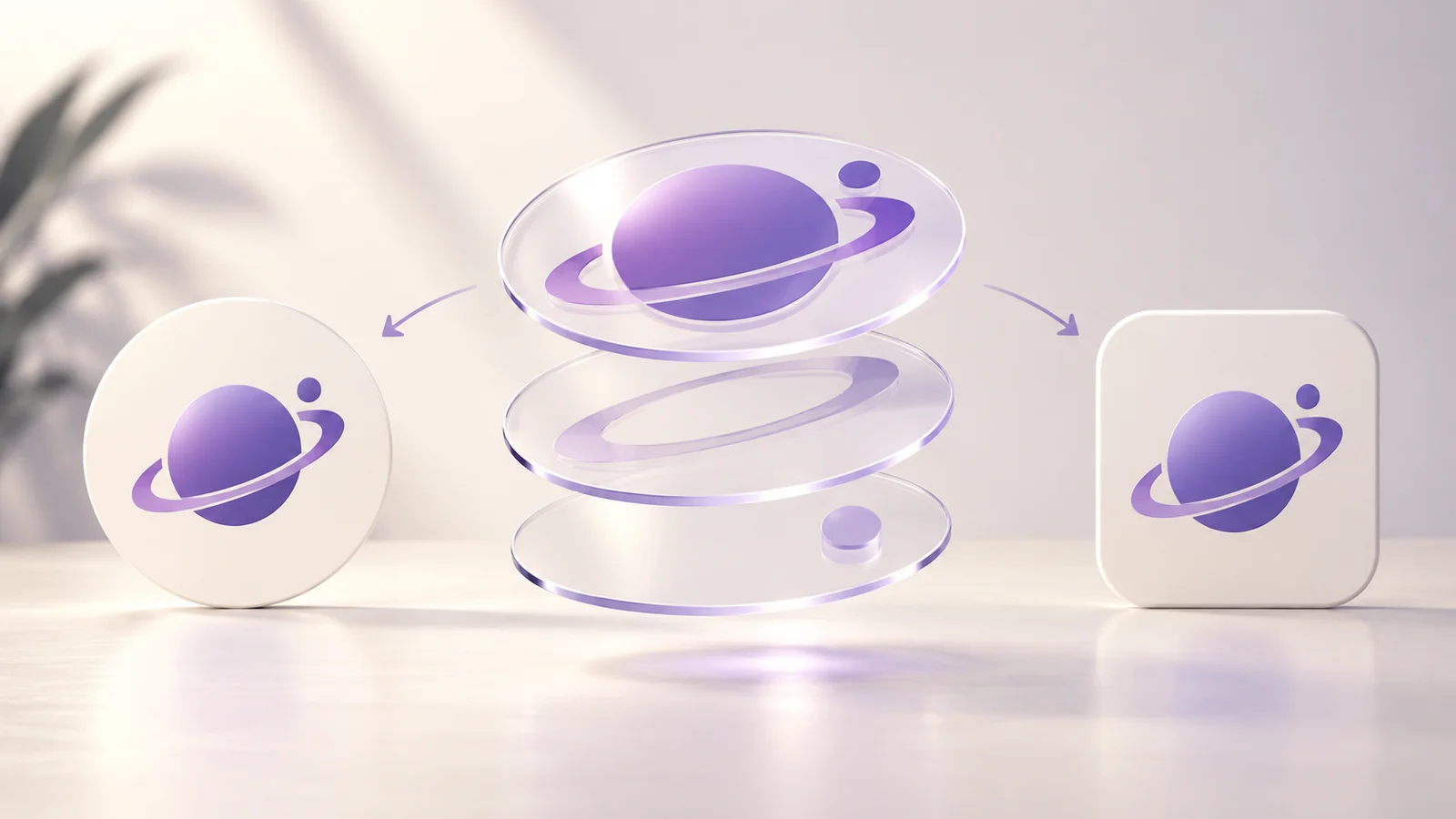
Icon Composer Tutorial: Layers to Xcode
Prepare icon layers, import them into Apple Icon Composer, check appearances and add the saved icon to Xcode.
Add a Generated App Icon to Xcode: Asset Catalog Import and Checks
Import an AppIcon.appiconset into Xcode, select the correct target asset, and investigate missing images, alpha and stale app icons.
AI App Icon Export: Check the Source and ZIP
Move an AI logo into App Icon Maker, inspect its small-size readability and platform masks, and export the resources for your project.
Newsletter
Stay Updated
Get the latest app design tips and icon trends delivered to your inbox.