App Icon Updates: Layers and Platform Resources
Review current Apple and Android icon workflows, separate source design from platform packaging, and update assets without losing useful variants.
When app icon workflows change, review the platform requirements before replacing your artwork. A new material treatment, appearance mode or launcher feature does not mean every existing source file should be discarded.
Separate the design decision from the packaging decision. First ask whether the mark is still clear and appropriate for the product. Then check whether the resource format and variants match the project’s current target and toolchain.
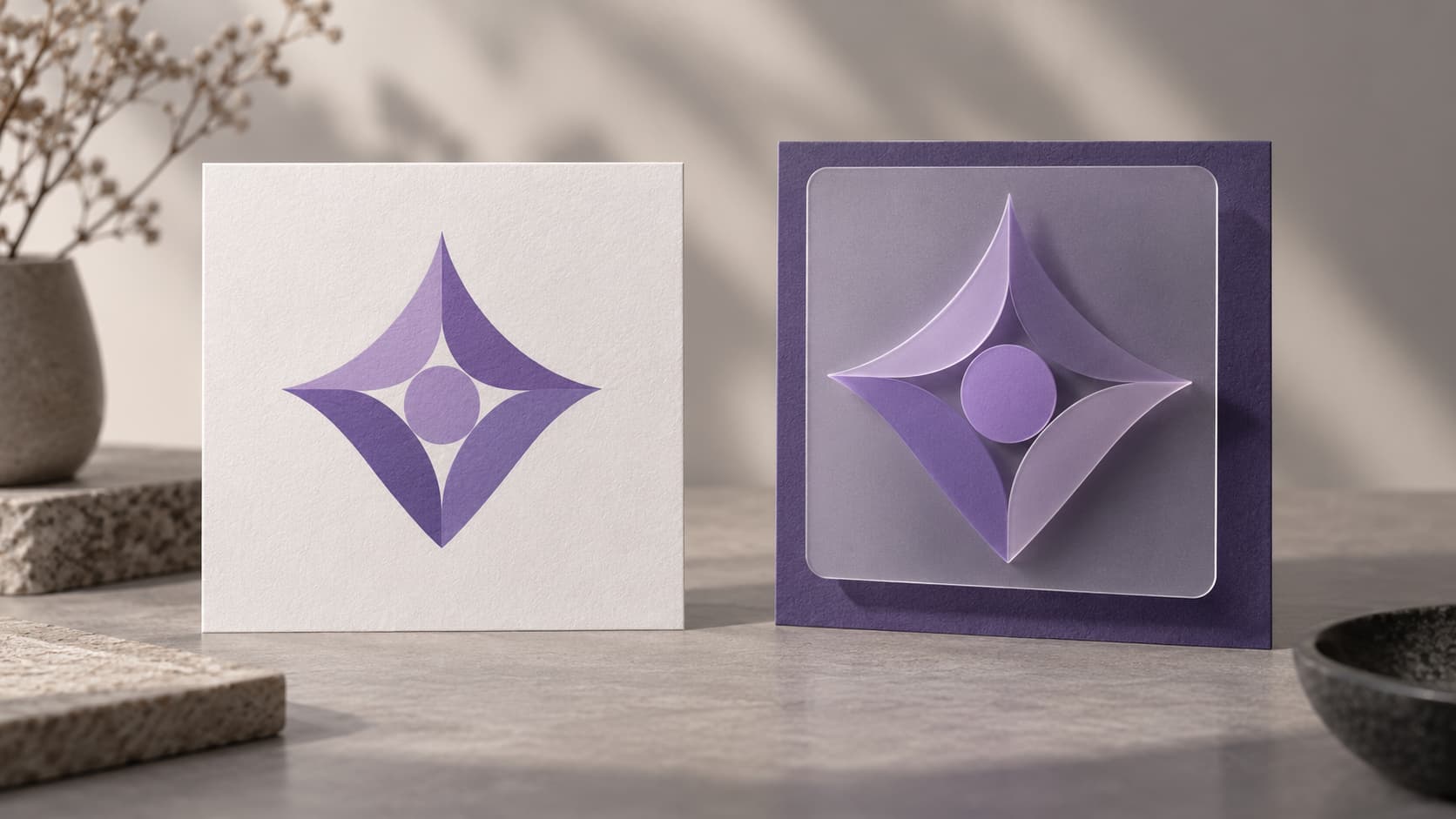
Illustration: an original generated concept, not a screenshot, customer result or platform validation record.
Keep the core identity separate from its rendering
Your recognizable symbol can remain stable while the platform presentation changes. Keep an editable master and distinguish the symbol, background and any deliberate effects. A flattened presentation image is harder to adapt than a source that preserves those decisions.
Inspect the current icon at actual launcher size. If the symbol has always been unclear, fix that before adding a new effect. If it already reads well, test the platform changes around it rather than assuming a complete redesign is necessary.
Review Apple’s layered workflow
Apple’s Icon Composer · Icon Composer tutorial prepares layered icons and appearance treatments for supported Apple platforms. Its design workflow distinguishes the source layers from the native materials applied in the tool.
The WWDC Icon Composer session describes source canvases, including 1088 px for Apple Watch. The watchOS artwork workspace prepares foreground and background sources at that size, along with a composite preview.
Those exported sources are not a completed native icon file. Import them into Icon Composer, inspect the intended appearances and save the icon for Xcode. Keep existing project variants until you have verified the replacement with the actual project and version.
Review Android layer and theme requirements
Android’s adaptive icon documentation explains color foreground/background layers and the behavior of themed icons. A launcher’s support and the user’s settings affect presentation.
The current local exporter supplies the color adaptive workflow and legacy resources. Check the source’s safe zone and the project XML rather than assuming a new launcher feature is included in every generated ZIP. If you need monochrome artwork, prepare and test that version according to the current platform documentation.
The cropping guide helps isolate composition errors from resource-reference errors. Test the installed application as well as the browser preview.
Keep store images distinct
A store listing image and a launcher resource serve different roles. Review the actual store file even when the application’s icon resources compile. Do not copy a new native material effect into a listing image without checking the platform’s guidance for that asset.
Use the Google Play export checklist to examine the final PNG. The size guide connects the related dimensions and their intended uses.
Update the project in a controlled sequence
Start from the source you intend to keep. Prepare the needed layers or appearances, generate a fresh export and unpack it. Compare filenames, dimensions and references with the project that will consume them.
Back up the previous resource set before replacing it. Build the exact target and scheme, install the result and inspect the icon. If several targets use different brands or environments, check each selected icon source rather than replacing a shared directory indiscriminately.
Save the tool version and result of the import. “Export succeeded” and “project built with the new icon” are separate observations. A simulator check and a physical-device check should also remain separately labeled.
Decide whether a new visual style helps
Test depth, texture or translucency against the icon’s real context. More detail is not automatically more recognizable. Compare the small silhouette, background and mark before deciding to keep an effect.
For a new source, use the creation guide or AI Logo Studio. Keep generated images as candidates to inspect; an AI-rendered glass effect is not the same as native platform materials applied to editable layers.
Questions about app icon updates
Does a platform redesign require a new brand symbol?
No. Review the symbol separately from the platform treatment. A clear existing mark may only need updated source preparation or packaging.
Should I delete the old icon variants immediately?
Keep them until the replacement is integrated and the supported targets are verified. Identify which variants still belong to older configurations.
Can a browser preview reproduce every native appearance?
No. It is useful for composition checks. Native tools, builds and target devices provide the platform-specific evidence.
Update the workflow, not just the thumbnail
Keep the source identity clear, prepare the required variants and verify the actual project. Use official requirements and observed output to guide the update rather than an untested trend claim.
Author

Categories
More Posts
Add a Generated App Icon to Xcode: Asset Catalog Import and Checks
Import an AppIcon.appiconset into Xcode, select the correct target asset, and investigate missing images, alpha and stale app icons.
Emblem Logo Design Guide: Build a Badge That Still Reads Small
Design an emblem with a useful enclosure, readable name and simple focal mark. Compare small versions and prepare practical exported files.
Instagram Logo History: The Camera Motif and the 2016 Redesign
Review Instagram’s documented 2016 icon change and how a familiar motif, simpler silhouette and color can inform an original app mark.
Newsletter
Stay Updated
Get the latest app design tips and icon trends delivered to your inbox.